How to Fix Sodium Crashing in PojavLauncher (Working and Easy Fixes)
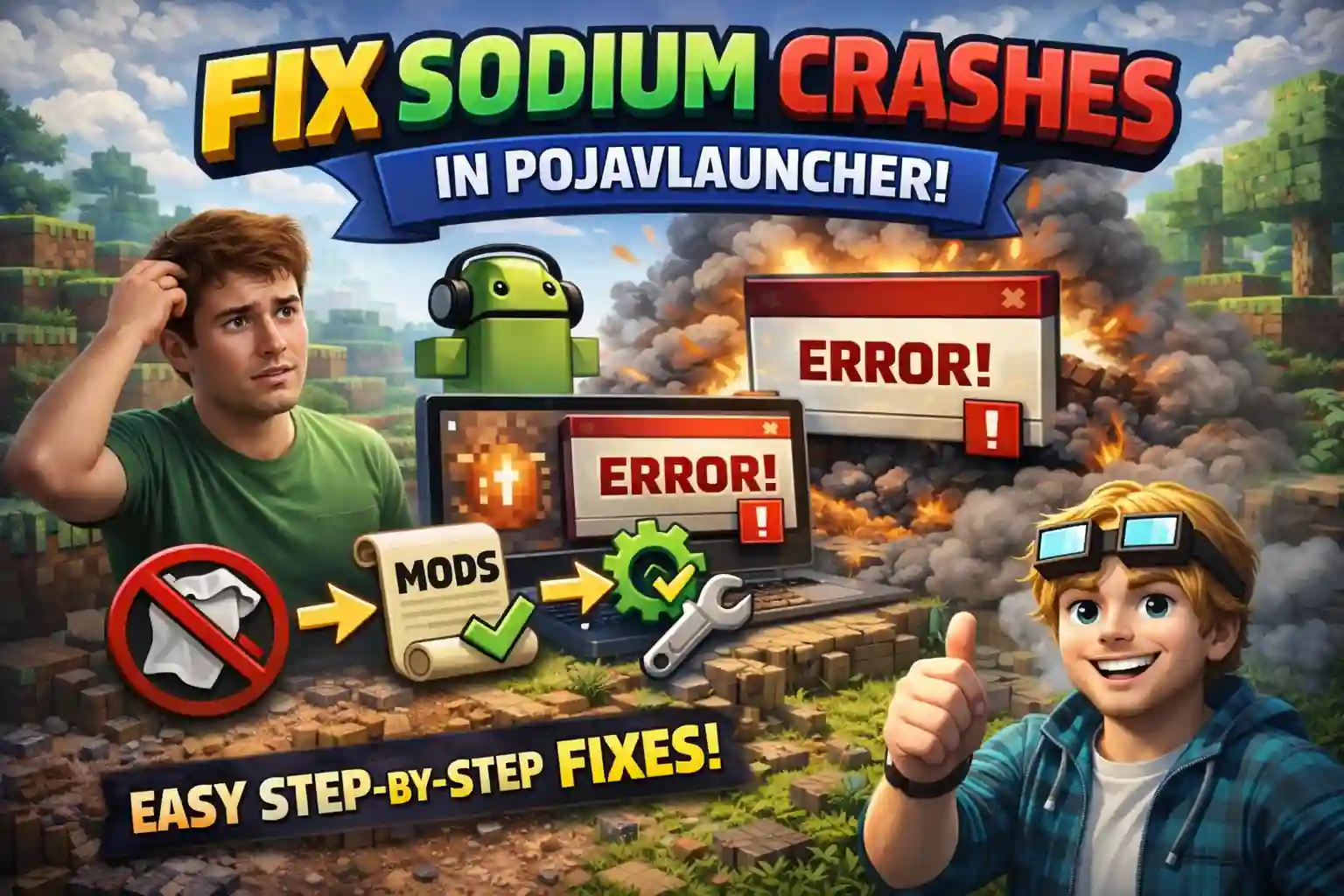
If your Minecraft keeps crashing after installing Sodium in PojavLauncher, No worries we’ve got you. This is a very common problem for Android players who try to boost FPS. Most of the time, the crash happens because of small setup mistakes. Once you’re done fixing these issues, the game usually runs much smoother.
This guide will show you why Sodium crashes in PojavLauncher and give simple step-by-step fixes.
Why Sodium Crashes in PojavLauncher
Sodium is a performance mod designed mainly for PC launchers. PojavLauncher runs Minecraft differently, which causes compatibility problems. Here are the main reasons for crashes:
- The wrong renderer selected
PojavLauncher apk uses different graphic renderers. Some of these do not work well with Sodium and cause the game to crash. - Launcher compatibility check
In some cases newer Sodium versions may not work properly with pojavlauncher and can cause the game to close while loading. - Version mismatch
If the Minecraft, Fabric Loader, and Sodium versions do not match, the game will definitely crash or fail to start. - Mod conflicts
- Some mods do not work well with Sodium and cause crashes, black screens, or loading errors.
Fix 1: Choose the Correct Renderer
This fix alone solves the problem for many players. Best renderers for Sodium:
| Recommended renders for Sodium: | Renderers that often causes crash: |
| LTW | GL4ES |
| MobileGlues | Zink |
How to change renderer:
1. Open PojavLauncher
2. Go to Settings
3. Open Renderer
4. Select LTW
5. Save and restart the game
In many cases, the game starts normally after this change.
Fix 2: Install Podium to Stop Sodium Crashes
Sometimes Sodium crashes because it blocks unsupported launchers. Podium is a small helper mod that removes this check.
What Podium does:
1. Stops Sodium from closing the game
2. Allows Minecraft to launch normally
3. Does not change gameplay
How to install Podium:
1. Make sure Fabric Loader is installed
2. Download Podium for your Minecraft version
3. Place the Podium jar file in the mods folder
4. Keep Sodium in the same folder
5. Launch the game
For many users, this completely fixes the crash.
Fix 3: Match All Versions Correctly
using the wrong version is one of the biggest causes of crashes:
- Minecraft version matches Sodium version
- Fabric Loader supports that version
- Podium version also matches
Example:
If you are playing Minecraft 1.20.1, do not install Sodium made for 1.21. Wrong version means crash.
Fix 4: Test Without Other Mods
Sometimes Sodium is not the real problem. Do this Safe test method.
- Remove all mods
- Keep only:
a: Sodium
b: Podium
c: Fabric API - Start the game
If the game runs fine, it means another mod was causing the crash. Add your other mods back one by one to find the one that was causing the issue.
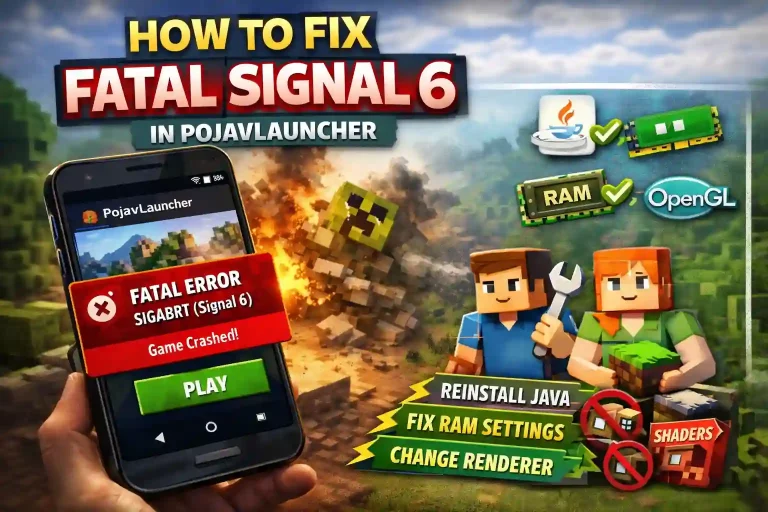
You can also check our detailed guide on how to fix fatal signal 6 in Pojavlauncher
Fix 5: Update and Clear Cache.
If crashes are still happening:
1. Update PojavLauncher to the latest version
2. Clear app cache from Android settings
Old or broken files can cause crashes even if mods are correct.
Common Mistakes That are Causing Sodium to Crash.
Avoid these mistakes:
1. Installing Sodium without Fabric Loader
2. Using GL4ES or Zink renderer
3. Mixing different mod versions
4. Keeping old mods from older Minecraft versions
5. Installing too many mods at the same time
fixing just one of these can often stop the crash.
Recommended Setup for the most stable gameplay.
- Latest PojavLauncher
- Fabric Loader
- Sodium and Podium
- LTW renderer
- No extra mods at first
This setup works well on most Android devices.
Conclusion
Sodium crashing in PojavLauncher can be frustrating, but it usually happens because of renderer issues, launcher checks, or version mismatch. Once these are fixed, Minecraft runs smoother and more stable.
Follow each step carefully and test after every change. Most players fix the issue within minutes.
FAQs
Why does Sodium crash only in PojavLauncher?
Because PojavLauncher handles graphics differently than PC launchers, and Sodium is strict about compatibility.
Is Podium required for Sodium?
Not always, but it helps prevent crashes caused by launcher detection.
Which renderer is best for Sodium?
LTW is the most stable choice.
Can I use shaders with Sodium on PojavLauncher?
Shaders often cause crashes on mobile devices and are not recommended.
What if Sodium still crashes?
Try a different Minecraft version and double-check all mod versions.