How to Play PojavLauncher with Keyboard and Mouse
Playing Minecraft Java Edition on Android sounds great, but the real problem starts when you try to play seriously using touch controls. Precise movement, aiming, and combat become frustrating, especially in survival or PvP, and the game never feels right.
This is where many players get stuck and think mobile Java play just isn’t practical. The good news is that PojavLauncher supports keyboard and mouse, and with the correct setup, your phone can feel surprisingly close to a PC experience.
Can You Really Use Keyboard and Mouse with PojavLauncher?
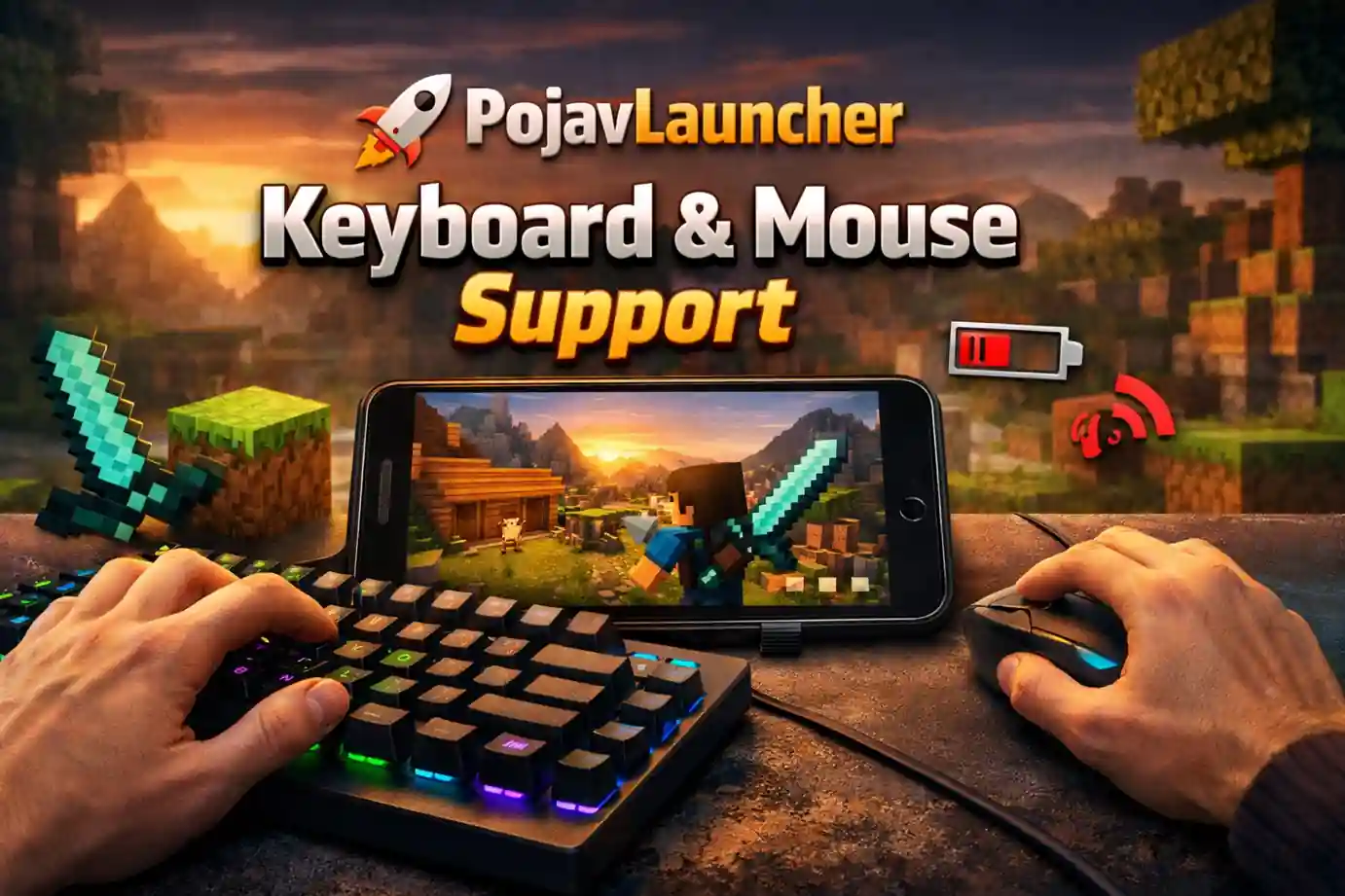
Yes, both USB and Bluetooth keyboards and mice work. When connected properly, basic inputs like W/A/S/D, jumping, inventory, and mouse look behave like on a PC. This is especially useful for survival, PvP, and building, where using touch controls can often feel slow or awkward.
Note: Mouse behavior can change after some updates. Occasionally, you might need to adjust settings for smooth control.
What You Need Before Getting Started
Here is what you actually need when getting started.
- Compatible Android Device
a. Android 8.0+ is recommended
b. You will need minimum 4 GB RAM
c. Older phones may still work but performance might be slower - Keyboard and Mouse
a. USB: Needs an OTG adapter, but gives a stable connection with almost no lag
b. Bluetooth: Wireless and easy to carry, though it may have slight delay - OTG Adapter (USB only)
a. A Good quality adapter avoids disconnections - Stable PojavLauncher Version
a. Avoid experimental builds for smoother input handling - Minecraft Java Account
a. You still need a minecraft account to login, keyboard and mouse cannot bypass authentication
Setting Up Keyboard and Mouse Inside PojavLauncher
| Mouse Capture | Turn this on in the Pojav menu so your mouse can control the camera. |
| Keyboard Check | Try using W/A/S/D and your inventory keys in the menus |
| Mouse Sensitivity | Start with medium sensitivity, lower it for better aiming, and turn off mouse acceleration |
| Touch Conflict | Don’t try to touch the screen while playing as accidental taps can turn off mouse capture |
| Quick Troubleshoot | Restart the game, re enable mouse capture, and check device detection |
Fixing Common Keyboard and Mouse Problems
Even with the right setup, minor issues can appear. Most of them are easy to solve once you know the cause.
- If the mouse isn’t moving the camera, mouse capture is probably off just turn it on from the Pojav menu.
- If the keyboard keys are not responding, test them in the menus first. If they still don’t work, reconnect the keyboard or mouse and try again.
- If the cursor gets stuck, stop touching the screen, open the Pojav menu and turn mouse capture back on
- If your controls are not working properly, try to reduce the sensitivity, close any extra background apps and if possible use a USB connection.
Make changes one at a time for easier troubleshooting.
Best Controls & Settings for Smooth Gameplay
Once your keyboard and mouse are connected and working, a few simple tweaks can make your gameplay much smoother and more precise and they will make your Android feel more like playing on a PC.
- Initially use the default key bindings.
- Gradually adjust the mouse sensitivity.
- If your device is lagging or not responding, Lower the screen resolution.
- Close extra background apps to free memory.
- Test your controls in a creative world before playing survival or PvP.
Following these tips makes mobile gameplay feel much closer to PC Minecraft.
Recommended Key Bindings
|
Movement |
W (forward), A (left), S (backward), D (right) |
|
Jump |
Space |
|
Sprint |
Left Ctrl |
|
Sneak |
Left Shift |
|
Inventory |
E |
|
Attack/Use |
left/ Right Mouse Button |
Keyboard & Mouse vs Touch Controls
Playing Minecraft on Android feels completely different when you use a keyboard and mouse with PojavLauncher. Here’s what most players notice compared to using touch controls.
| Movement | W/A/S/D you can strafe, sprint, and jump precisely while touch controls often feel jerky. |
| Combat & Building | Using a keyboard and mouse makes Easier aiming, faster attacks and block placement much more precise. |
| Long Play | It puts less stress on your fingers and lets you play comfortably for longer sessions. |
| Who Should Switch | A keyboard and mouse are a blessing for serious survival or PvP players and builders who need precision. While Casual players might still prefer touch controls. |
Limitations You Should Know
Using a keyboard and mouse on PojavLauncher does improve control, but there are some limitations to keep in mind you. Understanding these will help you set realistic expectations.
| Hardware | Phones can’t match PC performance, high FPS or big worlds may lag. |
| Mods | Some Java mods might not work on android,using a keyboard or mouse doesn’t fix this. |
| Battery | External devices use more power, your phone may get warm. |
| Not a full PC replacement | Some limitations remain, large servers or heavy mods may still require a desktop. |
Conclusion
Using a keyboard and mouse on PojavLauncher turns mobile Minecraft from a cramped, frustrating into something much closer to playing on a PC. Movement, combat, and building become more precise, and long play sessions feel far more comfortable.
However, it’s not a perfect solution. Mobile hardware limits, battery usage, and occasional input quirks mean it can’t completely replace a desktop. But for players who want better control and smoother gameplay on the go, the benefits clearly outweigh the minor drawbacks.
FAQs
Q1: Does PojavLauncher support keyboard and mouse without extra apps or setup?
Yes, both USB and Bluetooth devices work, enable mouse capture in game.
Q2: Do I need root or special apps?
No, standard Android devices are enough.
Q3: Is Bluetooth better than USB?
USB gives a more stable connection, while Bluetooth is wireless and portable but slightly laggy.
Q4: Can it work on low end phones?
Yes, but expect some lag, especially with mods or high render distance.
Q5: Do I still need a Minecraft Java account?
Yes, login is required.